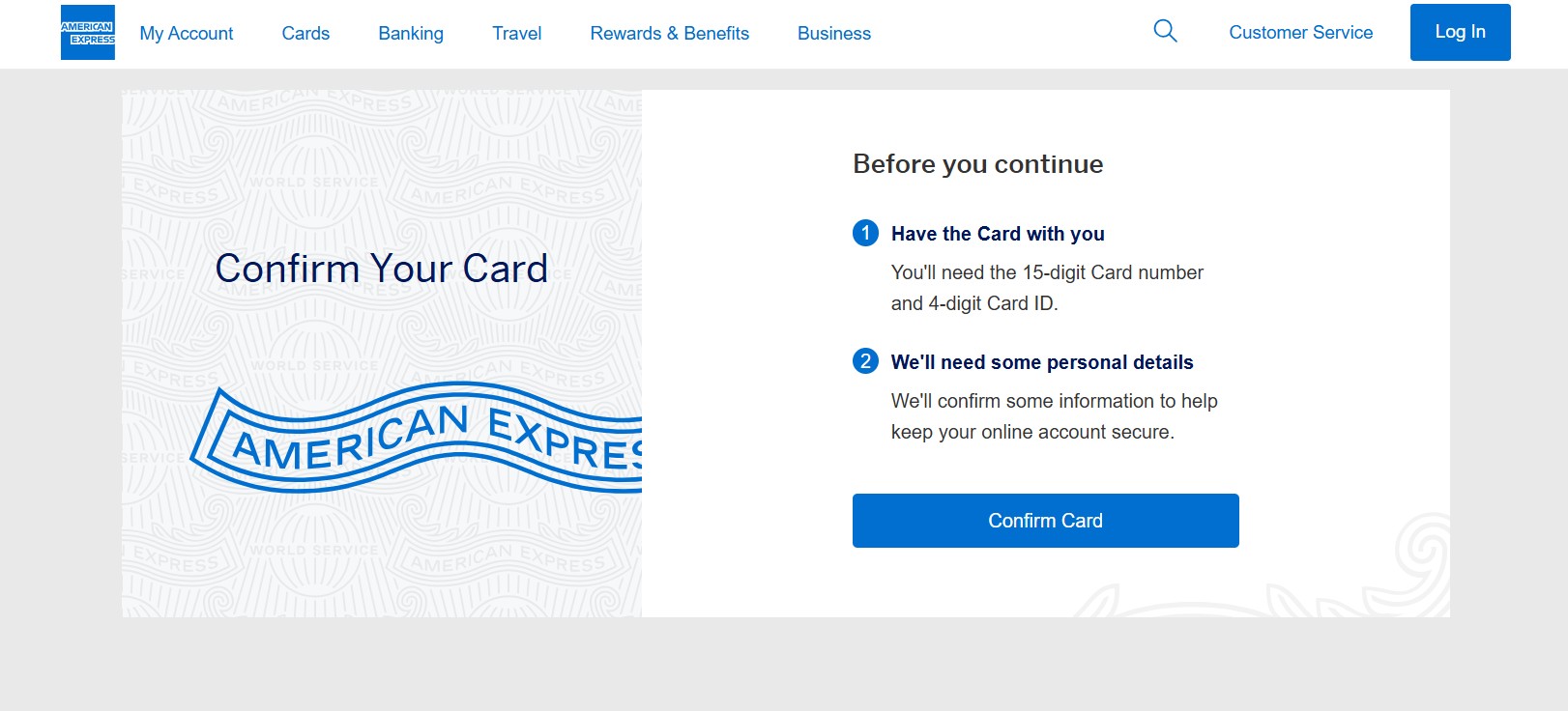
To confirm or activate your American Express (AMEX) card, you can do it online, through the mobile app, by phone, or in some cases, at an ATM. Card confirmation is required before you can start using your AMEX card for purchases.
You will usually need:
-
Your 15-digit AMEX card number
-
Your 4-digit Card ID
-
Your User ID and Password, if you already have an AMEX account
Method 1: Confirm Your AMEX Card Online (Fastest Way)
You can confirm your card using the official AMEX confirmation page.
Steps to Confirm Your Card Online
-
Open the confirmation page
-
Log in using your AMEX User ID and Password
-
Enter your 15-digit card number
-
Enter your 4-digit Card ID
-
Follow the on-screen instructions to complete confirmation
Method 2: Activate Your AMEX Card via Official Website
You can also activate your card through American Express online services.
American Express Card Activation
Steps:
-
Visit the activation page for your country
-
Click Activate Card or Register
-
Enter your card number, expiry date, and security code
-
Create your online account if you are a new user
-
Set a PIN if required
-
Complete the activation process
Method 3: Activate Using the American Express Mobile App
The AMEX app is a convenient way to activate and manage your card.
Steps:
-
Download the American Express App from your app store
-
Open the app and tap Activate Card
-
Enter your card details
-
Create your User ID and password if needed
-
Set your card PIN if not already set
-
Finish activation
Once activated, you can manage transactions, statements, and rewards from the app.
Method 4: Activate Your AMEX Card by Phone
You can activate your card by calling customer service.
Steps:
-
Call the customer support number printed on the back of your card
-
Follow the automated voice prompts
-
Enter your card details when asked
-
Set your PIN if required
-
Complete activation
This option works well if you cannot access the internet.
Method 5: Activate Your AMEX Card at an ATM (Selected Cards Only)
Some AMEX cards support ATM activation.
Steps:
-
Insert your card into a supported ATM
-
Enter your PIN
-
Complete a basic transaction
If your card supports ATM activation, it becomes active automatically.
Ways to Activate a New American Express Card
If you received a new AMEX card, you can activate it using any of these options:
-
American Express App
-
American Express Online Services
-
American Express customer care helpline
After activation, you should also register for online services to manage your account easily.
Important Information About American Express
American Express, also known as AMEX, is a global financial services company. It provides:
-
Credit Cards
-
Charge Cards
-
Travel services
-
Insurance products
Card confirmation ensures secure usage and protects you from unauthorized transactions.
Helpful External Resources
-
Official AMEX confirmation page:
American Express Confirm Card -
AMEX online activation services:
Activate American Express Card -
American Express official website:
AmericanExpress.com
FAQs
1. Is confirming your AMEX card the same as activating it?
Yes. Card confirmation and activation both allow you to start using your card.
2. How long does AMEX card activation take?
Activation usually completes immediately once you finish the steps.
3. Can you activate your AMEX card without logging in?
Some methods allow activation without login, but online confirmation usually requires a User ID.
4. Do you need to set a PIN during activation?
Yes. If your card does not already have a PIN, you will be asked to set one.
5. Can you activate your AMEX card before it arrives?
No. You need the physical card to enter the card number and Card ID.
6. What should you do if activation fails?
Call AMEX customer support using the number on the back of your card for help.