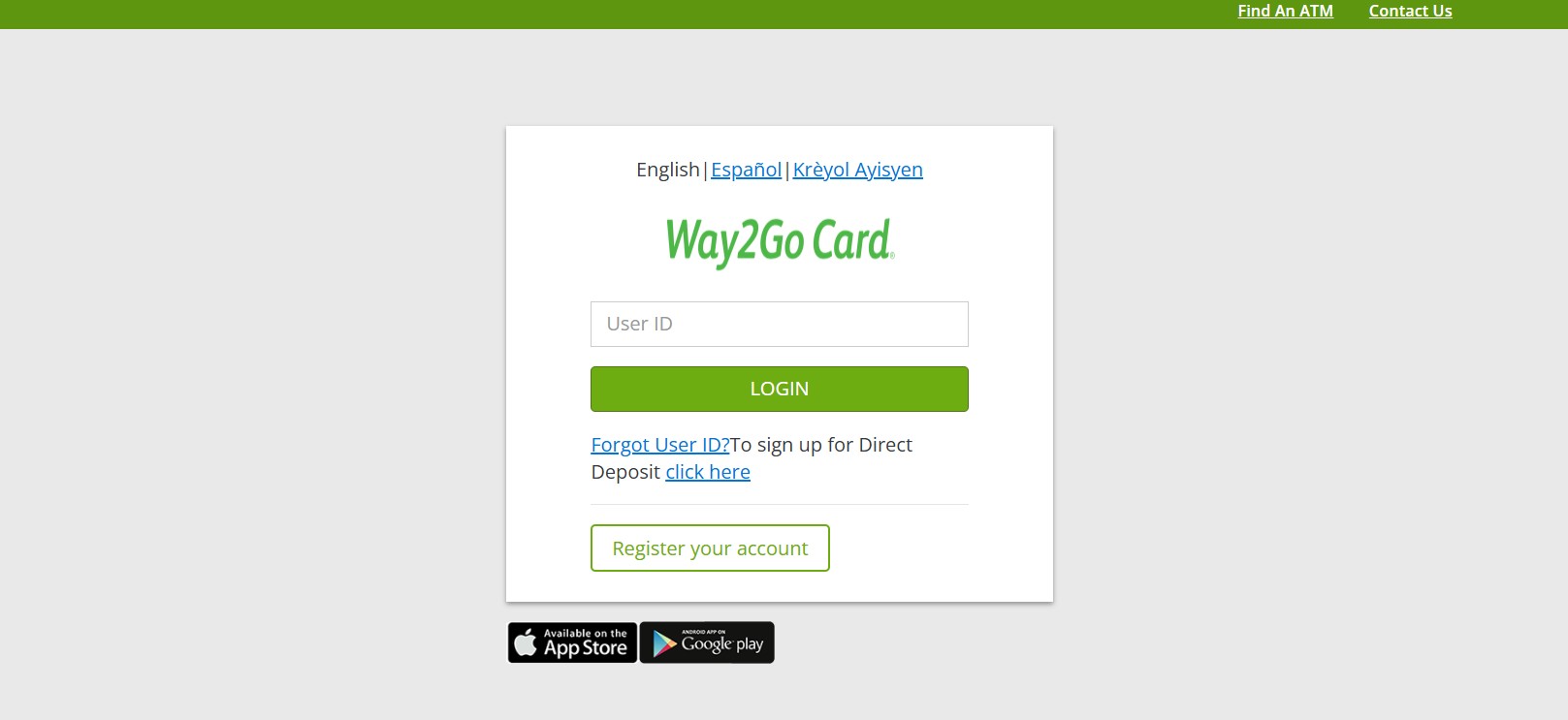
When you receive your GoProgram Way2Go Card, you must activate it before you can access your funds. Activation also lets you create your PIN, check your balance, and manage deposits. You can activate your card online, using the mobile app, or by phone.
You will need your card number, CVV security code, and personal details to complete activation.
Activate Your GoProgram Card Online Using the Website
The website method is one of the most commonly used options.
Follow these steps:
-
Visit www.goprogram.com
-
Click Register your account
-
Enter your Way2Go card number
-
Enter the CVV code from the back of the card
-
Enter your date of birth
-
Enter your Participant ID or Unique ID
If your ID has leading zeros, include them -
Create a username and password
-
Choose a password protected photo for future login verification
-
Set your notification preferences
-
Log out when prompted
Registration alone does not activate your card.
Activate Your Card by Creating a PIN (Required Step)
After registration, you must log in again to activate your card.
Steps to activate:
-
Log in to www.goprogram.com with your new profile
-
Click Services to expand the menu
-
Select PIN Management
-
Choose Activate PIN
-
Create a four digit PIN
-
Confirm the PIN to complete activation
Once the PIN is active, your Way2Go Card is ready to use.
Activate Your GoProgram Card Using the Mobile App
You can also activate your card through the official mobile app.
Steps to follow:
-
Download the Go Program Way2Go Card app from the Apple App Store or Google Play Store
-
Open the app and register your card
-
Follow the prompts to verify your details
-
Create your PIN inside the app
-
Complete activation
The app also lets you check balances and manage alerts. You can learn more through the GoProgram official site.
Activate Your GoProgram Card by Phone
If you prefer phone activation, you can use the automated system.
Call 855-462-5887 and follow the prompts to:
-
Activate your card
-
Create or change your PIN
-
Check your available balance
For some Way2Go Debit MasterCard cards, you may also be asked to:
-
Enter your card number
-
Enter the last four digits of your Social Security Number
-
Enter your date of birth
-
Select and confirm a four digit PIN
After activation, sign your name in ink on the back of the card.
What You Can Do After Activation
Once your card is active, you can manage your account easily.
You can:
-
Check your balance anytime
-
Review up to 18 months of transaction history
-
Confirm your last deposit
-
Change your PIN
-
Set deposit and balance alerts
-
Manage notification preferences
-
View service charge information
-
Activate replacement cards
How and When You Receive Your Way2Go Card
If you selected the debit card option, your card arrives by mail.
Important details:
-
Cards are mailed within 7 to 10 business days
-
The envelope is plain white with a return address from P.O. Box 80529, Austin, TX 78708
-
Do not discard the envelope without checking the contents
If you do not receive your card within the expected time, contact customer service at 855-462-5887.
Direct Deposit Option
You may choose direct deposit instead of a debit card.
Important points:
-
Direct deposit information is managed by you
-
Labor department employees cannot edit your banking details
-
Incorrect banking information may delay payments
How to Keep Your Way2Go Card Safe
To protect your funds, follow these safety tips:
-
Keep your PIN private at all times
-
Never write your PIN down or share it
-
GoProgram will never call or text you asking for your PIN
-
Have your card ready before approaching an ATM
-
Avoid ATMs that look damaged or suspicious
-
Use a different ATM if something feels unsafe
If your card is lost or stolen, contact customer service immediately.
Frequently Asked Questions
1. Does registering my account activate the Way2Go Card
No. You must log in and create a PIN to activate the card.
2. How long does GoProgram card activation take
Activation completes immediately after you set your PIN.
3. Can you activate the card without internet access
Yes. You can activate by calling 855-462-5887.
4. What if you forget your PIN
You can reset it online, in the app, or by phone.
5. When will funds appear on the card
Funds are available once your payor posts a deposit.
6. What should you do if your card never arrives
Contact customer service if it does not arrive in 7 to 10 business days.