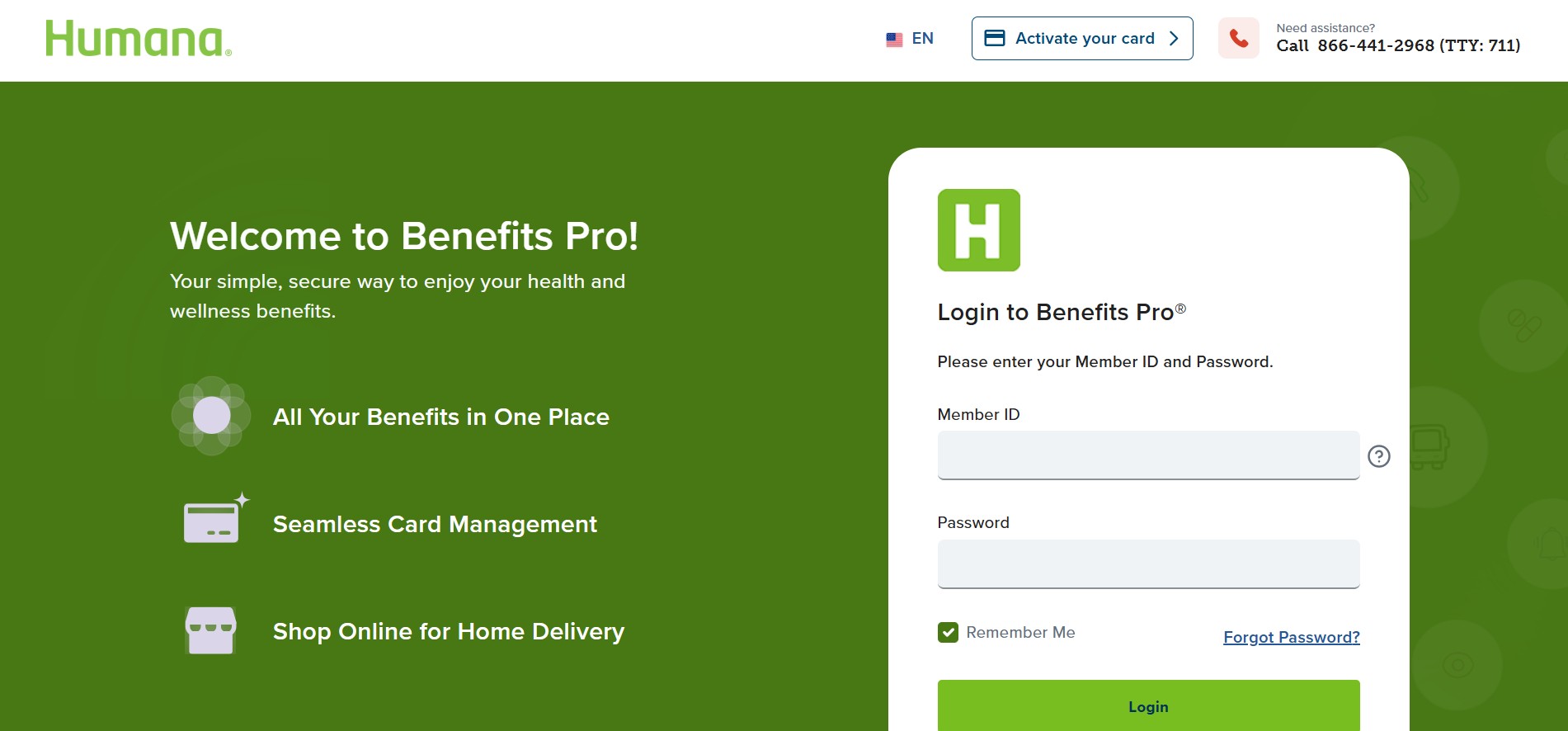
To activate your Humana Spending Account Card, you need to complete a quick activation step online or by phone. For the 2026 plan year, Humana now works with NationsBenefits to manage many allowance and spending account programs. This means card activation, balance checks, and shopping now happen through NationsBenefits.
You will need your card number, expiration date, and CVV security code to activate the card.
Step 1: Use the Official Activation and Login Website
Go to the official portal here:
Humana NationsBenefits Portal
To Activate Your Card
-
Click the Activate Card button, usually visible at the top or center of the page
-
Enter your card number
-
Enter the expiration date
-
Enter the CVV security code
-
Submit the details to complete activation
To Log In to Your Account
-
Enter your Humana Member ID
-
Enter your Date of Birth
-
Enter your ZIP Code
Once logged in, you can manage all your benefits in one place.
Step 2: What You Can Do After Logging In
After successful login, you can access multiple features related to your spending account.
You can:
-
Check your balance to see how much allowance you have available for January 2026
-
Track reload dates, since most plans reload monthly or quarterly
-
Order eligible items online, including OTC medicines, vitamins, and first aid supplies
-
Ship items directly to your home
-
Find nearby stores that accept the card, such as Walmart, Walgreens, CVS, and Food Lion
-
View eligible categories, depending on your Humana plan
You can also access some services through your MyHumana account for plan-related details.
Important 2026 Updates You Must Know
Since many members face issues at the start of the year, keep these updates in mind.
You Must Use a New 2026 Card
-
Your old 2025 card will not work
-
Humana mailed new cards in December 2025
-
If you did not receive your card, call Humana immediately using the number on your ID card
Card Declined at Checkout
If your card gets declined, try the following:
-
Swipe the card, do not scan it
-
Many 2026 cards no longer include a barcode
-
When asked, always select Credit
-
Do not enter a PIN
Paying Utilities or Rent
-
If your plan allows utility payments like electricity, water, or internet
-
You usually must pay through the NationsBenefits website or app
-
You cannot swipe the card at the utility office in most cases
Step 3: Get Help by Phone if the Website Is Not Working
If you cannot activate your card online or check your balance, call customer support.
NationsBenefits Customer Service
-
Phone: 1-833-571-7587
-
TTY: 711
Humana Spending Account Support
-
Phone: 1-800-457-4708
These teams can help you activate your card, confirm your balance, or replace a missing card.
Helpful External Resources
-
Official NationsBenefits portal:
Activate Humana Card Online
FAQs
1. Can you use your 2025 Humana card in 2026?
No. You must use the new 2026 card sent by Humana.
2. Do you need a PIN to use the Humana Spending Card?
No. Always select Credit and do not enter a PIN.
3. Why is your Humana card getting declined?
Common reasons include using the old card, choosing Debit instead of Credit, or trying to buy non-eligible items.
4. How often does the allowance reload?
Most plans reload monthly or quarterly, depending on your Humana plan.
5. Can you pay utility bills by swiping the card?
Usually no. Utility payments must be made through the NationsBenefits portal or app.
6. What should you do if you never received your card?
Call Humana or NationsBenefits immediately to request a replacement.