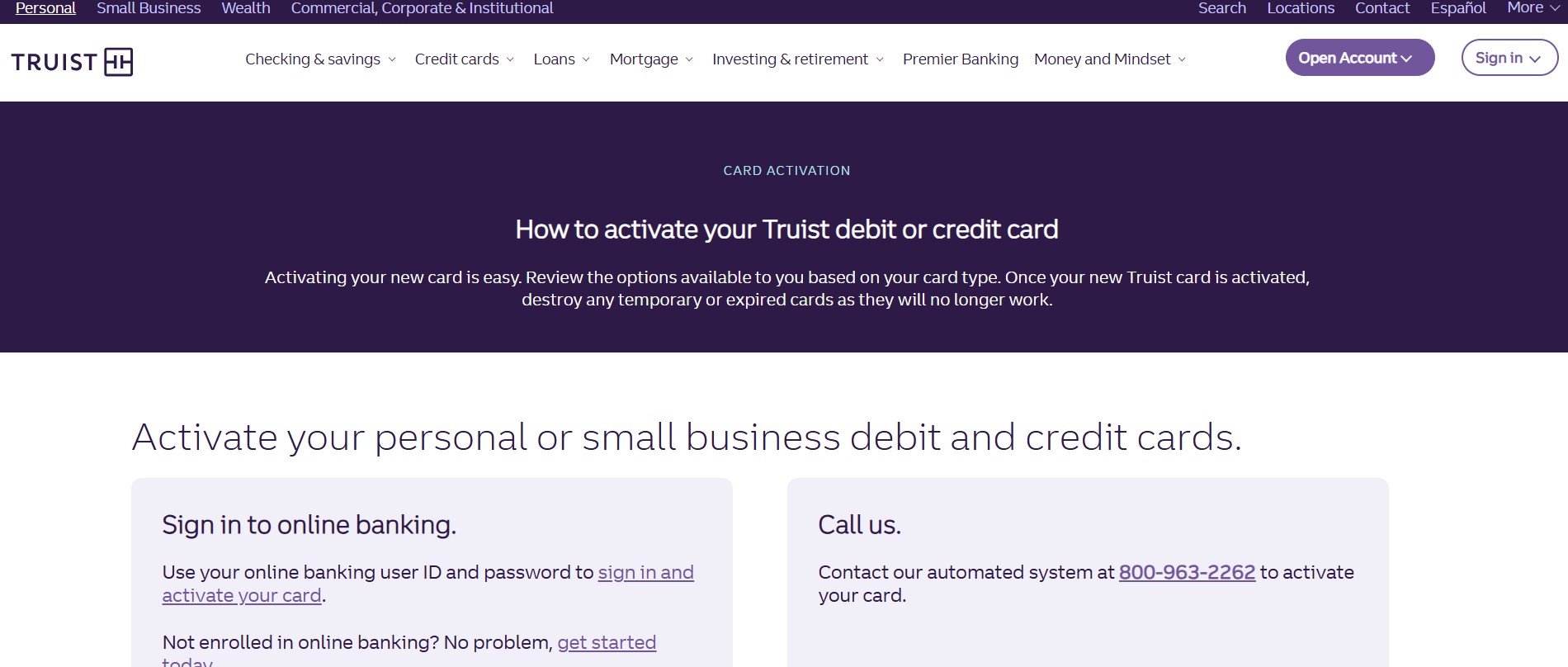
When you receive your new Truist card, you must activate it before you can use it for purchases, transfers, or rewards. Truist gives you several easy ways to activate your card, including online banking, the mobile app, or by phone.
Activate Your Truist Card Online (Fastest Method)
You can activate your card online in just a few minutes.
Follow these steps:
-
Visit the official Truist activation page at new.digitalcommerce.truist.com
-
Enter your card number exactly as shown on the card
-
Enter the expiration month and year
-
Enter the security code and ZIP code
-
Provide your SSN or TIN for verification
-
Click the Activate Card button
Your card will activate shortly after you submit the details.
You can also manage your account through Truist Online Banking once activation is complete.
Activate Your Truist Card Using Online Banking
If you already use Truist online banking, you can activate your card directly from your account.
Steps to follow:
-
Sign in to your Truist online banking account
-
Use your user ID and password
-
Go to the card services or card activation section
-
Enter your card details such as card number and expiration date
-
Confirm activation
This method works for debit cards, credit cards, and prepaid debit cards.
Activate Your Truist Card With the Mobile App
You can also activate your card using the Truist mobile app.
Here is how:
-
Download the Truist Mobile App from the App Store or Google Play
-
You can also scan the QR code provided with your card
-
Sign in using your Truist login details
-
Follow the prompts to activate your card inside the app
The app also lets you manage card settings, alerts, and spending limits. Learn more about app features on Truist Mobile Banking.
Activate Your Truist Card by Phone
If you prefer not to activate online, you can activate your card by phone.
-
Call the automated activation number 800-963-2262
-
Follow the voice instructions
-
Enter your card details when prompted
This option is helpful if you do not have internet access.
Benefits of Carrying a Truist Card
When you use a Truist Visa debit or credit card, you automatically get access to exclusive benefits.
Rewards and perks include:
-
Cash back, travel miles, and loyalty bonuses
-
Extra rewards when you also have a Truist checking or savings account
-
Discounts at popular brands like Starbucks, Walmart, AT&T, DoorDash, and more
Card controls and security:
-
Get real time spending alerts
-
Lock or unlock your card instantly
-
Set daily spending limits
-
Use contactless tap to pay for faster checkout
Your personal and account information stays safe. Truist does not share your data with retailers.
Ways You Can Open a New Truist Account
You can open a new Truist account in several ways.
Online:
-
Open your account online anytime
-
Your debit card and checks arrive by mail in a few days
-
You can also visit a branch for a temporary card
Branch:
-
Visit a Truist branch during business hours
-
Walk out with a temporary debit card ready to use
Phone:
-
Call 844-4TRUIST (844-487-8487)
-
Available Monday to Friday, 8 am to 8 pm
-
Saturday hours are 8 am to 5 pm
Transfer Money Between Truist Accounts
You can easily transfer money using online or mobile banking.
Using Online Banking:
-
Sign in to online banking
-
Select Transfer and Pay
-
Choose Transfer money and pay Truist accounts
-
Select the account you are transferring from and to
-
Choose one time or recurring
-
Enter the amount and date
-
Review and send the transfer
Using Mobile Banking:
-
Sign in to the Truist app
-
Tap Transfer and Pay
-
Choose the accounts
-
Enter the amount and schedule
-
Review and confirm the transfer
Transfers usually process quickly, giving you instant access to funds.
Frequently Asked Questions
1. How long does it take to activate a Truist card
Most cards activate within minutes after you complete the process.
2. Can you activate a Truist card without online banking
Yes, you can activate by phone using the automated system.
3. Is SSN or TIN required for activation
Yes, Truist uses it to verify your identity securely.
4. Can you use your Truist card before activation
No, the card will not work until it is activated.
5. What should you do if activation fails
Wait a few minutes and try again, or call Truist customer support.
6. Is the Truist mobile app safe for card activation
Yes, the app uses secure encryption and real time verification.