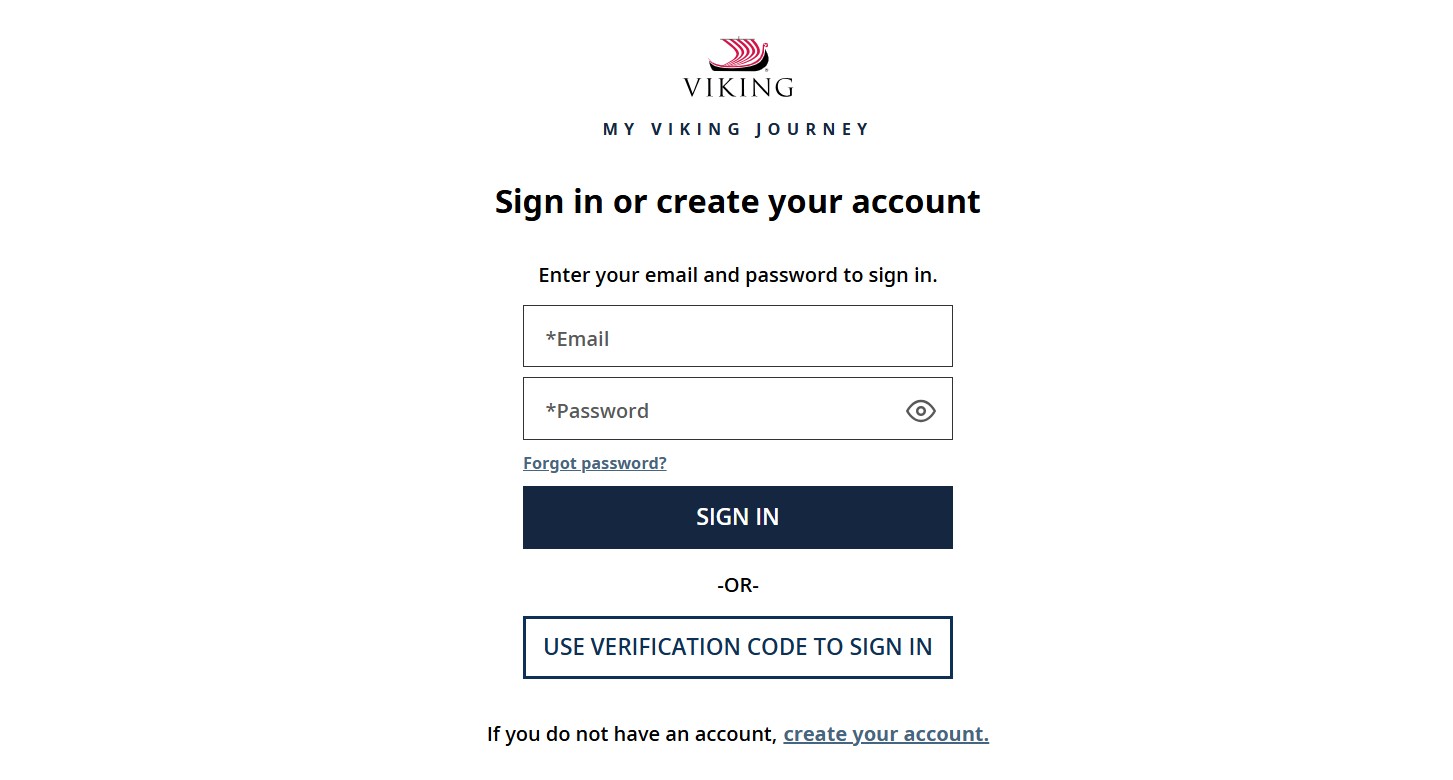
If you already have a Viking booking number, you can log in to My Viking Journey to plan, manage, and customize your cruise experience with Viking Cruises. This portal helps you handle everything from guest details to shore excursions in one place.
Step 1: Create or Access Your My Viking Journey Account
If This Is Your First Time
You need to create an account before logging in.
Steps:
-
Visit the official site
My Viking Journey -
Click Create Account or Join Now
-
Enter your email address
-
Enter your Viking reservation number
-
Fill in the required personal details
-
Verify your email address
-
Create and confirm your password
Once completed, your Viking account becomes active.
Step 2: Log In to Your Viking Account
After creating your account, logging in is easy.
Steps:
-
Go to
myvikingjourney.com
or open the Viking Voyager app -
Enter your email address as your username
-
Enter your password
-
Click Log In
You will now see your cruise dashboard.
Step 3: View or Add Your Viking Cruise Booking
After logging in:
-
Your cruise booking usually appears automatically
-
To add another reservation:
-
Click your name or profile menu in the top-right corner
-
Select Add a booking number
-
Enter the additional reservation details
-
This is useful if you have more than one upcoming cruise.
What You Can Do in My Viking Journey
Once logged in, you can manage almost every part of your trip.
You can:
-
Complete your Guest Information Form
-
Make or track payments
-
View cruise documents and schedules
-
Select or review shore excursions
-
Customize flights through Viking Air
-
Learn about onboard dining and amenities
-
Track important pre-cruise tasks
About Viking Cruises
Viking Cruises offers destination-focused travel experiences across all seven continents, including Europe, Asia, North America, and Antarctica. Viking is known for comfort, cultural immersion, and thoughtful planning.
Viking River Cruises
Viking River Cruises let you explore famous rivers around the world.
Highlights:
-
Sail through Europe, Asia, the Mississippi, and the Nile
-
Travel on award-winning Viking Longships
-
Enjoy scenic views from every stateroom
-
Experience local culture with included excursions
Learn more here:
Viking River Cruises
Viking Ocean Cruises
Viking Ocean Cruises offer a refined small-ship experience.
Highlights:
-
Ships carry only about 930 guests
-
One included shore excursion in every port
-
Free Wi-Fi onboard
-
No hidden charges or upselling
-
Destinations include Europe, Mediterranean, Caribbean, Alaska, and world cruises
How to Book a Cruise with Viking
Booking your Viking cruise is simple and flexible.
Step 1: Choose Your Cruise Type
Decide what kind of experience you want:
-
River Cruise for smaller ships and inland destinations
-
Ocean Cruise for global routes and open seas
You can explore options here:
Step 2: Decide How to Book
You can:
-
Book directly with Viking for full control
-
Use a travel agent, who may offer extra perks like onboard credit
Step 3: Prepare for Your Voyage
After booking:
-
Log in to My Viking Journey
-
Complete required forms
-
Choose excursions
-
Confirm stateroom details
-
Arrange flights using Viking Air or your own airfare
Step 4: Finalize and Get Ready to Sail
Before departure:
-
Review your itinerary
-
Explore ship amenities
-
Check dining options
-
Download important travel documents
Then you are ready to enjoy your Viking journey.
FAQs
1. Do you need a booking number to use My Viking Journey?
Yes. You must have a valid Viking reservation number.
2. Can you manage flights through My Viking Journey?
Yes. You can book or customize flights using Viking Air.
3. What if your booking does not appear after login?
You can manually add it using the Add a booking number option.
4. Can you access My Viking Journey on mobile?
Yes. You can use a mobile browser or the Viking Voyager app.
5. Is My Viking Journey available 24/7?
Yes. You can log in and manage your booking anytime.
6. Can travel agents also access My Viking Journey?
Yes. Travel agents can help, but you can still manage your booking yourself.